
Repeated assemblies
Use representative zones to identify conditions affecting repeated flooring and finish installations.

Track representative units, amenity areas, and turnover zones across multifamily projects.
Track representative units, amenity areas, and turnover zones across multifamily projects.
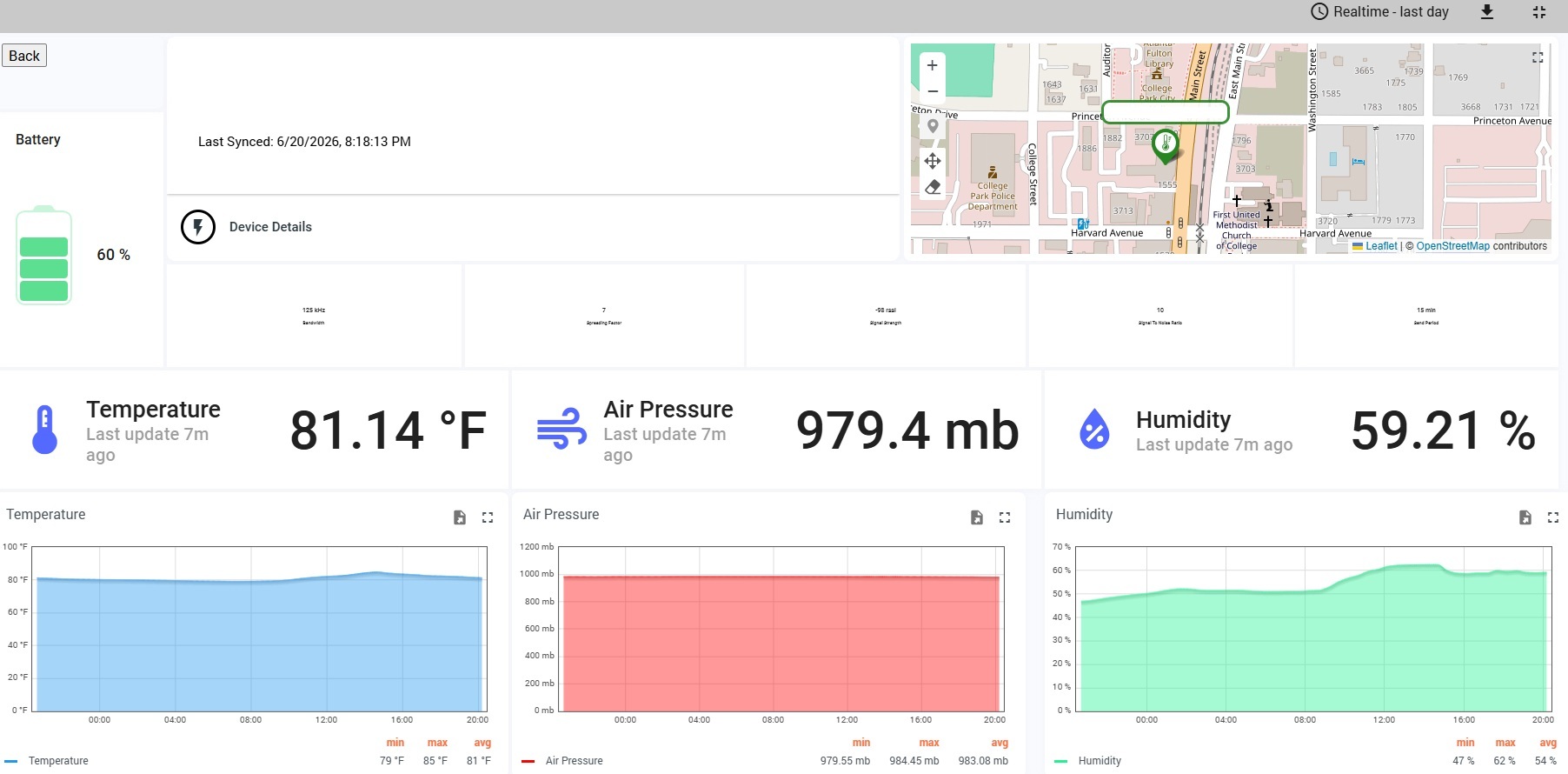
FinishSure creates a continuous, timestamped condition record across the project. The preconfigured kit arrives ready to deploy, the gateway connects over cellular, and authorized users can review current readings, trends, alerts, floor plans, and reports from the FinishSure portal.
See the complete hardware service cycle →Use FinishSure to identify trends early, support team conversations, and preserve the record after the work is concealed or the project is turned over.
Use representative zones to identify conditions affecting repeated flooring and finish installations.
Watch humidity and temperature as enclosure and interior work overlap.
Protect high-visibility common areas with continuous records.
Maintain documentation through punch and early occupancy.
Final placement should reflect the project sequence, finish risk, cellular coverage, and any project-specific monitoring plan.
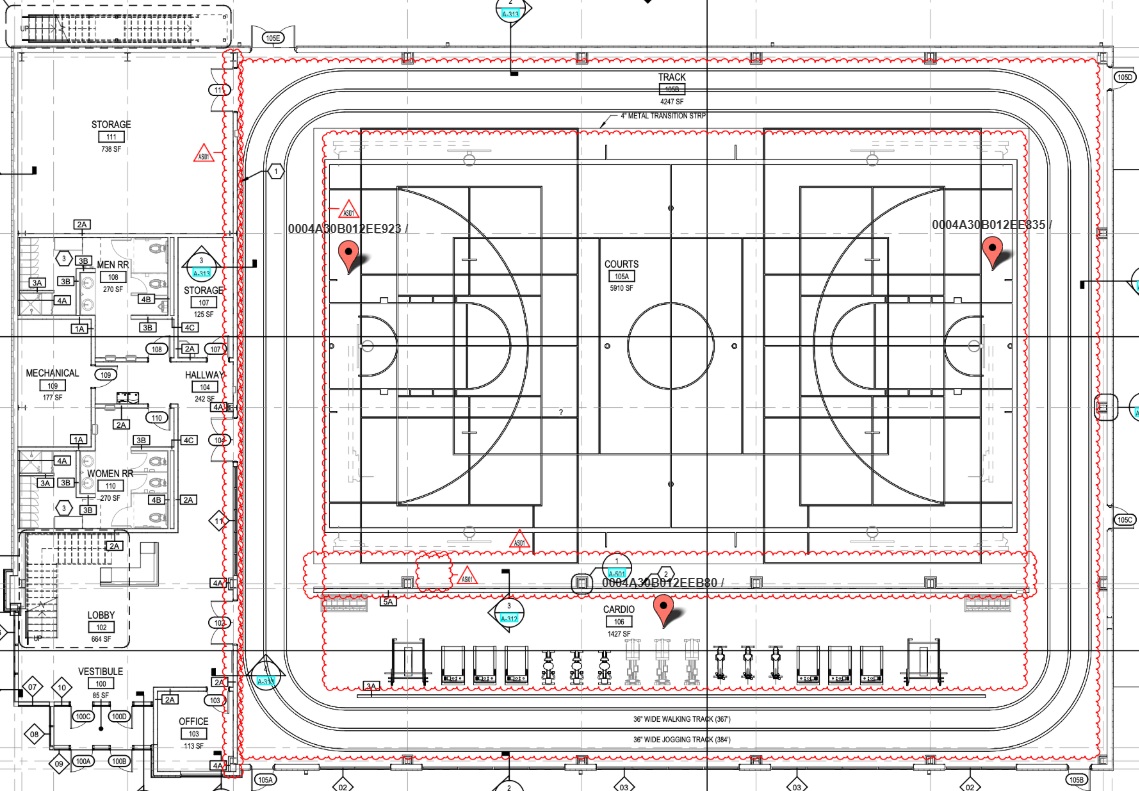
Recommended when monitoring representative units plus common or amenity spaces.
Package recommendations are general. Select the duration and number of zones that fit the actual project.
A preconfigured gateway and sensors ship directly to the project.
Power the cellular gateway and mount sensors in the selected zones.
Review conditions, alerts, floor plans, and historical trends remotely.
Use reports and data exports for meetings, closeout, and warranty review.
Usually no. A representative monitoring plan can focus on risk areas, orientations, floors, or installation phases.
Yes. Sensors may be reassigned as work progresses when placement changes are documented.
Coverage varies; gateway placement should be tested before relying on the final location.
Choose a package based on project duration and the number of zones you need to monitor.