Multi-Zone Monitoring monitoring
Application

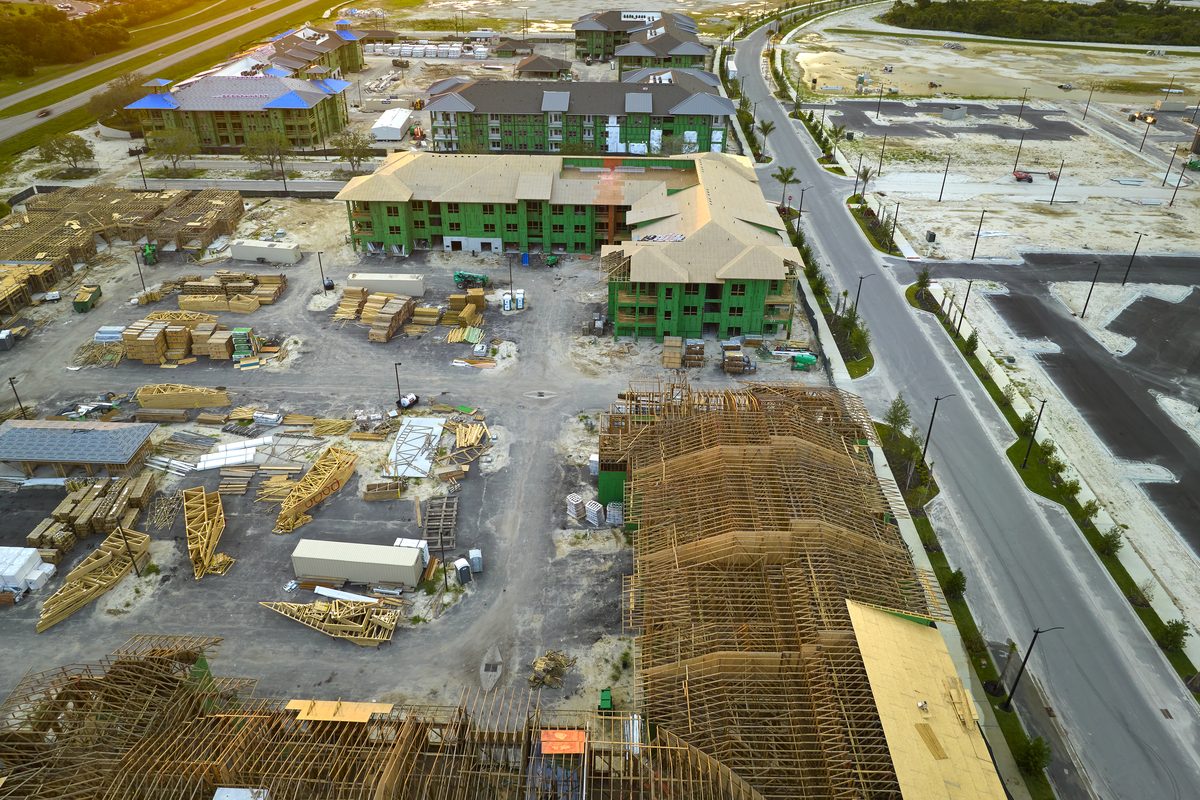
Compare conditions across the project

Use multiple sensors to see differences between floors, rooms, orientations, and construction phases.

Cellular — no site Wi‑FiCustomer self-installLive alerts and trendsReports included
Why it matters

Multi-Zone Monitoring needs more than occasional spot checks

Use multiple sensors to see differences between floors, rooms, orientations, and construction phases.

FinishSure creates a continuous, timestamped condition record across the project. The preconfigured kit arrives ready to deploy, the gateway connects over cellular, and authorized users can review current readings, trends, alerts, floor plans, and reports from the FinishSure portal.

See the complete hardware service cycle →
Project risks

Where continuous visibility adds value

Use FinishSure to identify trends early, support team conversations, and preserve the record after the work is concealed or the project is turned over.

01

Representative coverage

Select zones based on finish risk and construction sequence.

02

Side-by-side trends

Compare areas instead of assuming one reading represents the entire project.

03

Movable deployment

Reassign sensors as phases progress while preserving placement history.

04

Clear reporting

Organize readings by zone for team review.

Typical locations

Plan coverage around the work—not just the trailer

  • Multiple floors
  • Large interiors
  • Representative units
  • Occupied boundaries
  • Finish zones
  • Phased turnover

Final placement should reflect the project sequence, finish risk, cellular coverage, and any project-specific monitoring plan.

FinishSure floor plan monitoring example
Use the project floor plan to keep sensor locations and monitored zones understandable to the entire team.
What the team sees

One place for current conditions and project history

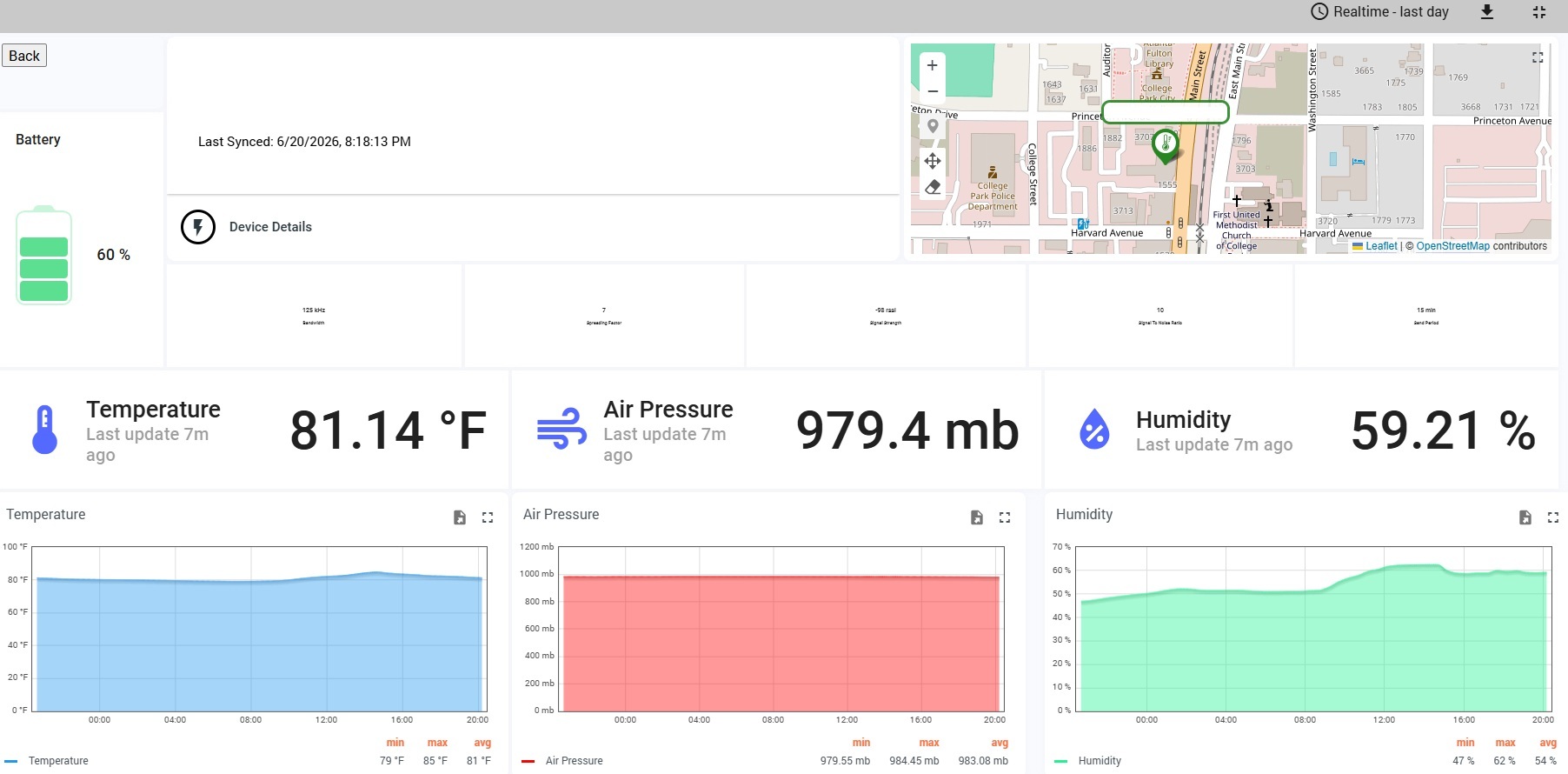
FinishSure live dashboard
Live conditions, alerts, and trends
TemperatureDashboard visibility and historical record
Relative humidityDashboard visibility and historical record
Pressure differentialDashboard visibility and historical record
DustDashboard visibility and historical record
Zone comparisonDashboard visibility and historical record
Sensor healthDashboard visibility and historical record
Recommended starting point

Professional Multi-Zone Tracker

A practical starting point based on the duration and number of zones required.

Package recommendations are general. Select the duration and number of zones that fit the actual project.

Simple deployment

From box to live dashboard

1

Receive

A preconfigured gateway and sensors ship directly to the project.

2

Place

Power the cellular gateway and mount sensors in the selected zones.

3

Monitor

Review conditions, alerts, floor plans, and historical trends remotely.

4

Document

Use reports and data exports for meetings, closeout, and warranty review.

Common questions

Multi-Zone Monitoring FAQ

Does this replace required field testing or supervision?

No. FinishSure adds continuous visibility and documentation; it does not replace required testing, inspections, commissioning, or site supervision.

Does the system need site Wi‑Fi?

No. FinishSure uses a managed cellular gateway.

Can the monitoring period be extended?

Yes. Eligible projects can purchase additional monitoring time from the customer portal.

Ready to protect the work?

Choose a package based on project duration and the number of zones you need to monitor.

Start Monitoring
Terms · Equipment · Privacy · Acceptable Use · Monitoring Disclaimer · Data Policy · Returns