
Compressed schedules
Catch drifting conditions while trades overlap and milestones move quickly.
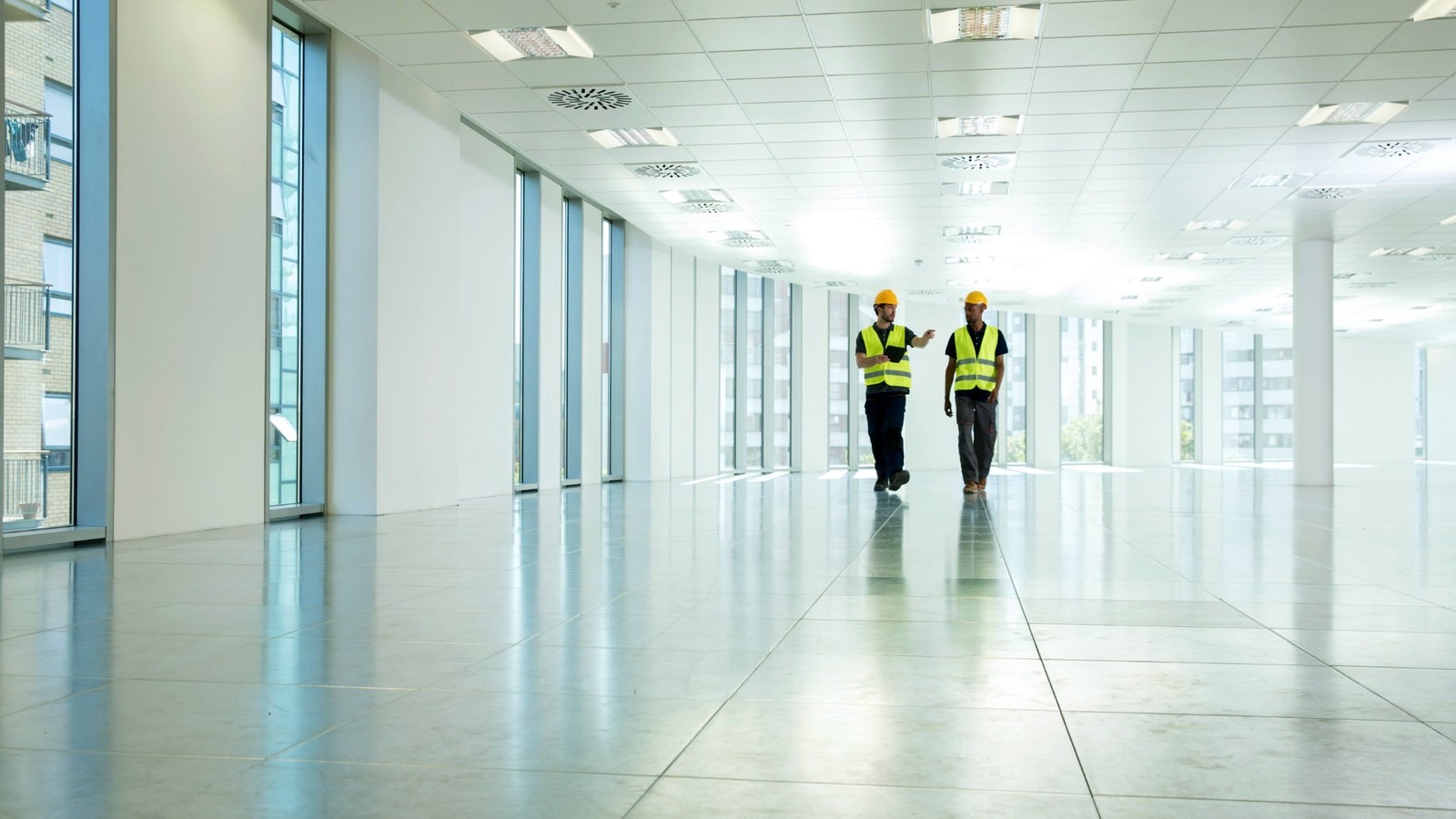
Create a continuous record across tenant improvements, corporate buildouts, and high-value interior packages.
Create a continuous record across tenant improvements, corporate buildouts, and high-value interior packages.
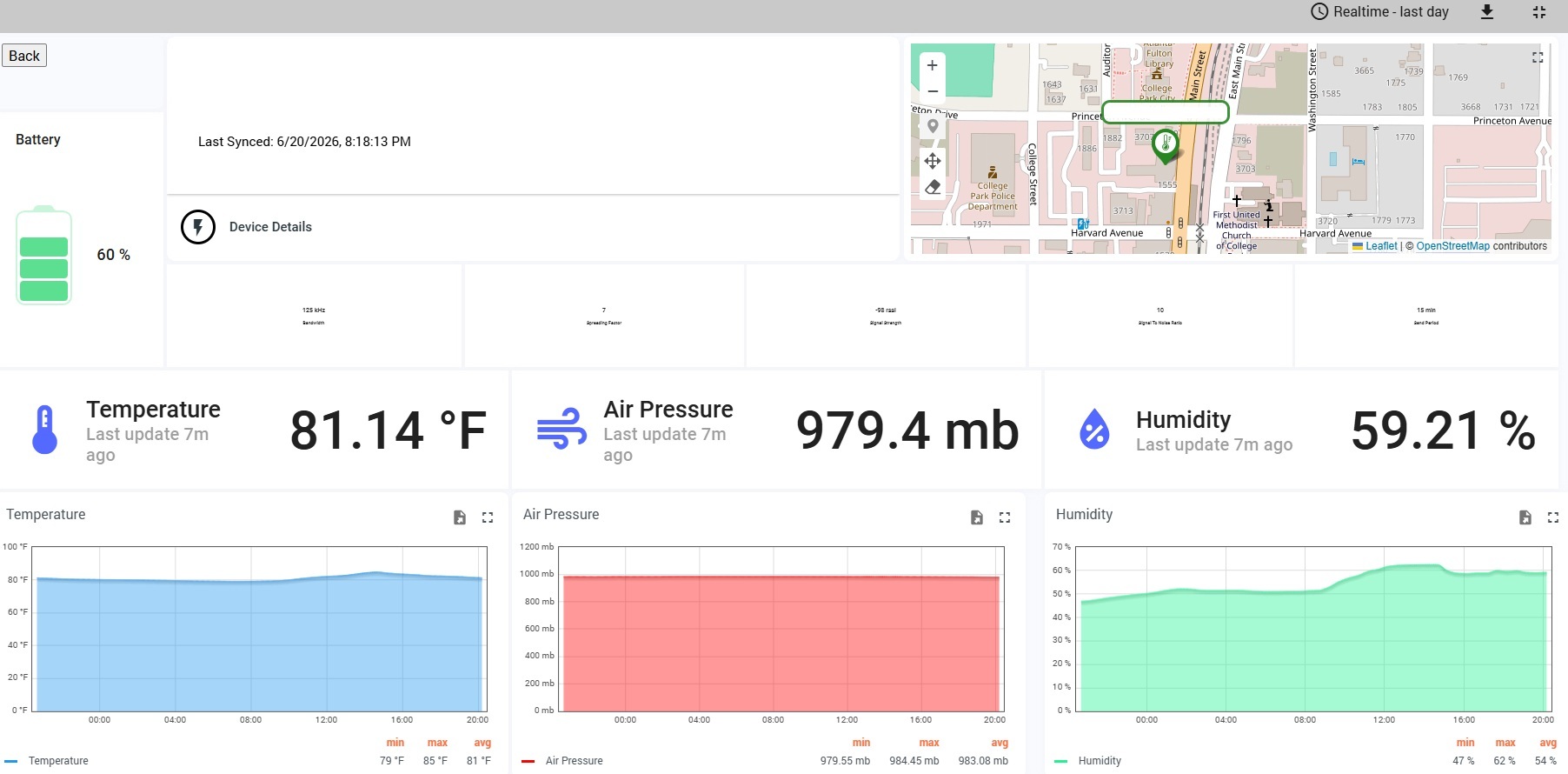
FinishSure helps teams verify conditions, protect installed work, and maintain a continuous, timestamped project record. The preconfigured kit arrives ready to deploy, the gateway connects over cellular, and authorized users can review current readings, trends, alerts, floor plans, and reports from the FinishSure portal.
See how the FinishSure monitoring system works →Use FinishSure to identify trends early, support team conversations, and preserve the record after the work is concealed or the project is turned over.
Catch drifting conditions while trades overlap and milestones move quickly.
Support flooring, millwork, paint, wallcovering, and specialty finish documentation.
Compare areas instead of relying on a single reading for an entire floor.
Deliver organized condition records with the rest of the project documentation.
Final placement should reflect the project sequence, finish risk, cellular coverage, and any project-specific monitoring plan.
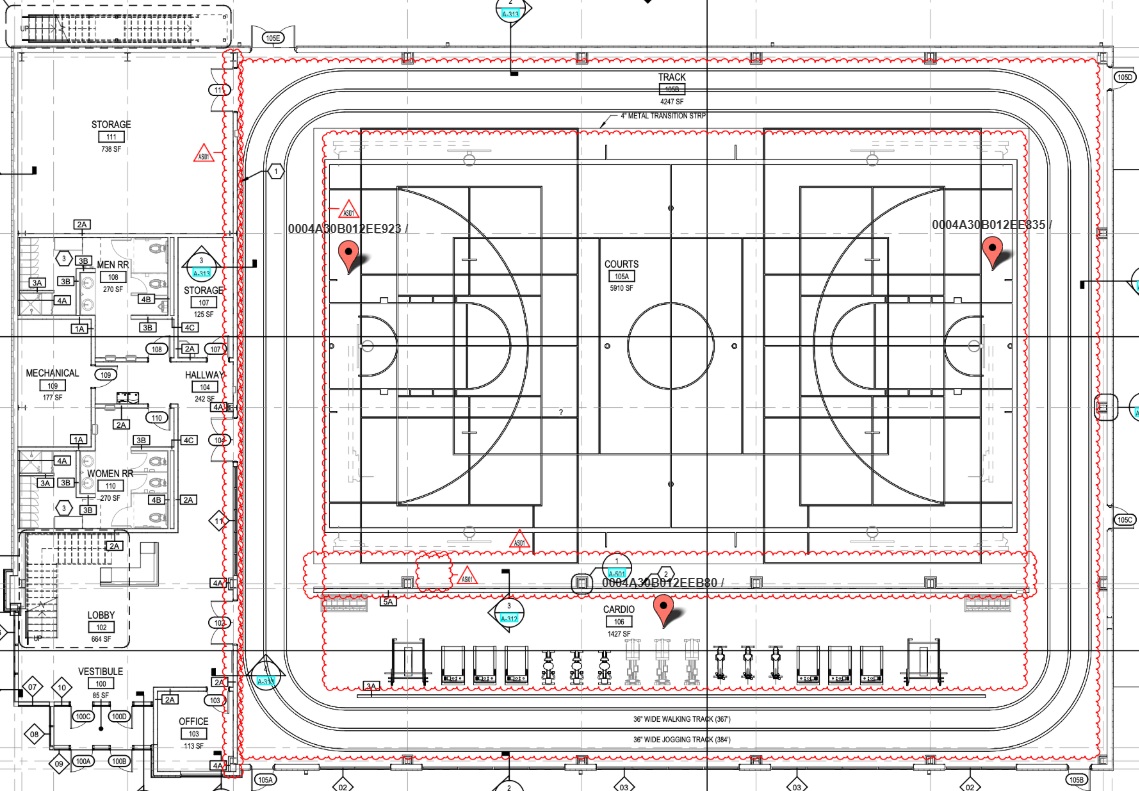
Strong fit for multi-zone interiors and projects with several finish packages.
Package recommendations are general. Select the duration and number of zones that fit the actual project.
A preconfigured gateway and sensors ship directly to the project.
Power the cellular gateway and mount sensors in the selected zones.
Review conditions, alerts, floor plans, and historical trends remotely.
Use reports and data exports for meetings, closeout, and warranty review.
Document the conditions surrounding flooring, millwork, paint, wallcoverings, and other moisture-sensitive interior finishes.
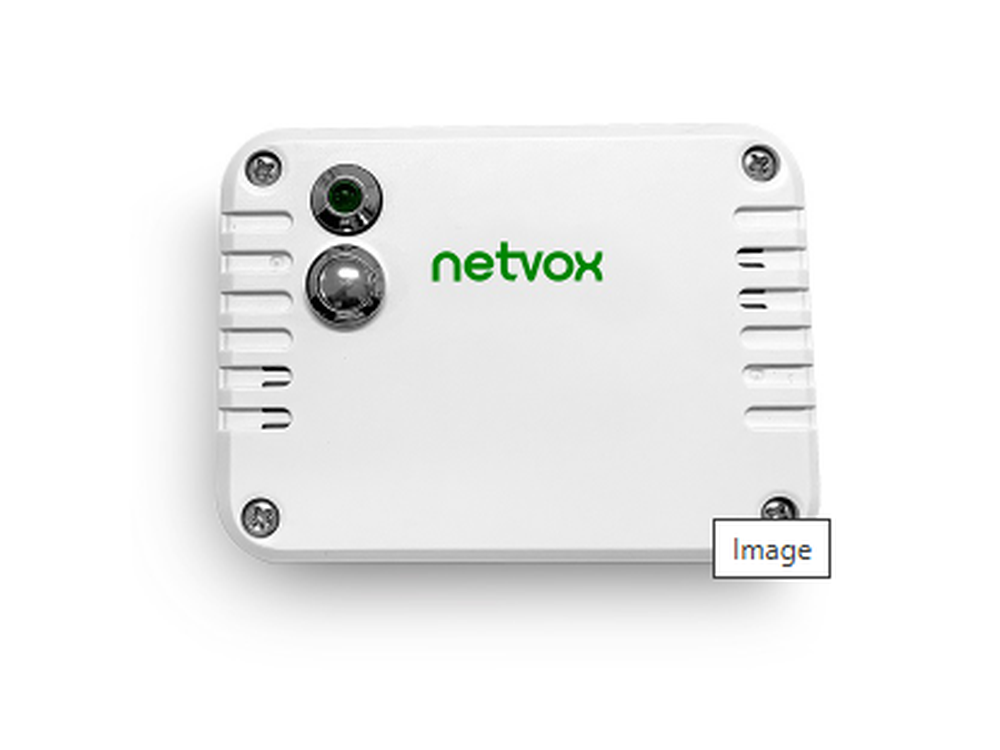
Documents ambient temperature and relative humidity around moisture-sensitive materials, finished spaces, and warranty areas.
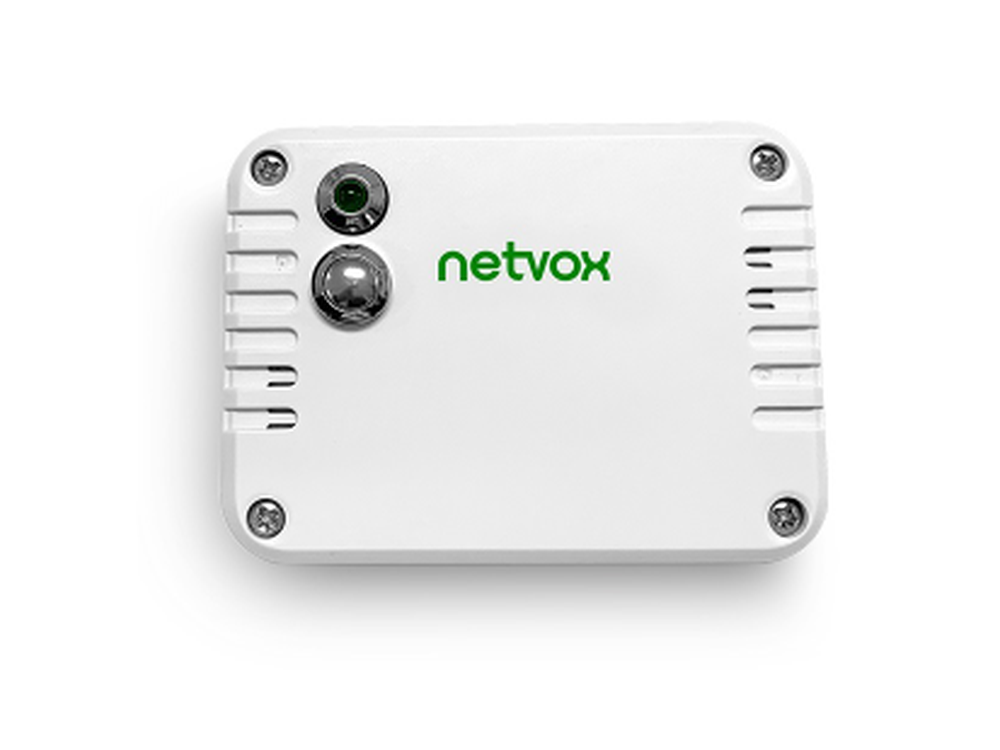
Documents TVOC, temperature, and humidity where indoor-air-quality conditions matter during construction, turnover, or occupancy.
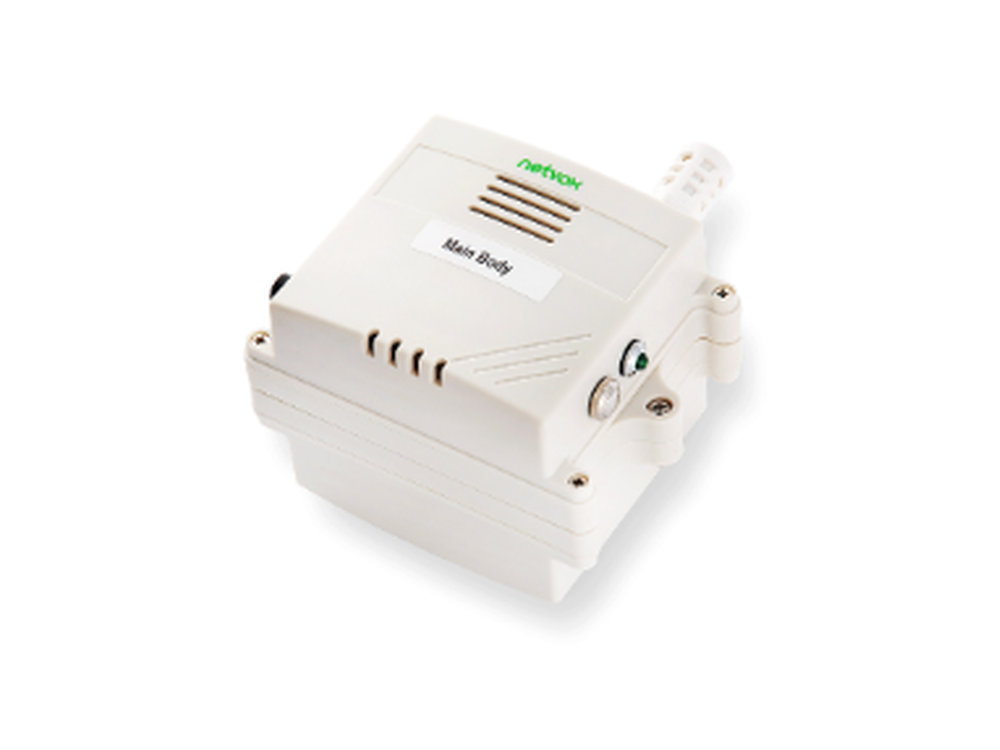
Documents PM2.5, temperature, and humidity during renovation, demolition, and dust-sensitive construction activities.
Equipment is provided as part of a configured FinishSure monitoring system. Final device quantities and models depend on project requirements and availability.
The preconfigured kit is designed for customer self-installation in minutes.
Standard deployments use plug-in gateway power and battery-powered wireless sensors.
It provides a shared condition record, but contractual responsibility remains governed by the project documents.
Choose a protection plan based on project duration and the number of areas where conditions need to be verified.